Old Age Filter – Make an Older Portrait Online
Make an older-looking photo with an AI old age filter. Choose an aging setting, compare the result and download a labelled PNG to share.
Open the age filterTool facts at a glance
- Aging options
- +10 / +20 / +30 / +40 additional years, relative to your photo. These are creative settings, not target ages.
- Trial and generation cost
- 30 free signup credits; 28 credits per image. Sign-in is required, with no payment method needed for the trial.
- Photo input
- JPG, PNG, WEBP, up to 10 MB per photo. Use a clear portrait of a consenting adult.
- What you receive
- One 1K, square image. Download a PNG with a visible AI-generated label; no app installation needed.
- Processing time
- Time varies by task and service load. Progress appears in the tool; failed charged tasks queue a credit refund.
- Photo access and saved results
- Original uploads and unsaved results: up to 24 hours of access; cleanup starts at hour 23. Explicitly saved results remain until deleted.
Make an old-age portrait from an existing photo
Open the home tool, select a clear photo of one consenting adult and sign in. Choose +10, +20, +30 or +40 years, confirm processing permission and generate. When the result is ready, compare it beside your original. The tool creates a still image; it is not a live camera effect inside a social app.
Download a PNG for your social post
Download the AI-labelled PNG, then attach it using your social app’s normal photo-upload controls. Keep the label visible and describe it as an AI aging effect. If another adult is shown, ask their permission before publishing as well as before generating. App controls and available effects vary by account and version.
Download, save or start again
A downloaded copy stays on your device. Explicitly saving a result keeps it privately in your account until you delete it. Original photos and unsaved results remain temporary. If the edit changes your likeness or adds unwanted details, use a clearer source and inspect a new result; an old-looking portrait does not predict your future face.
Real AI age progression examples: four settings, two portraits
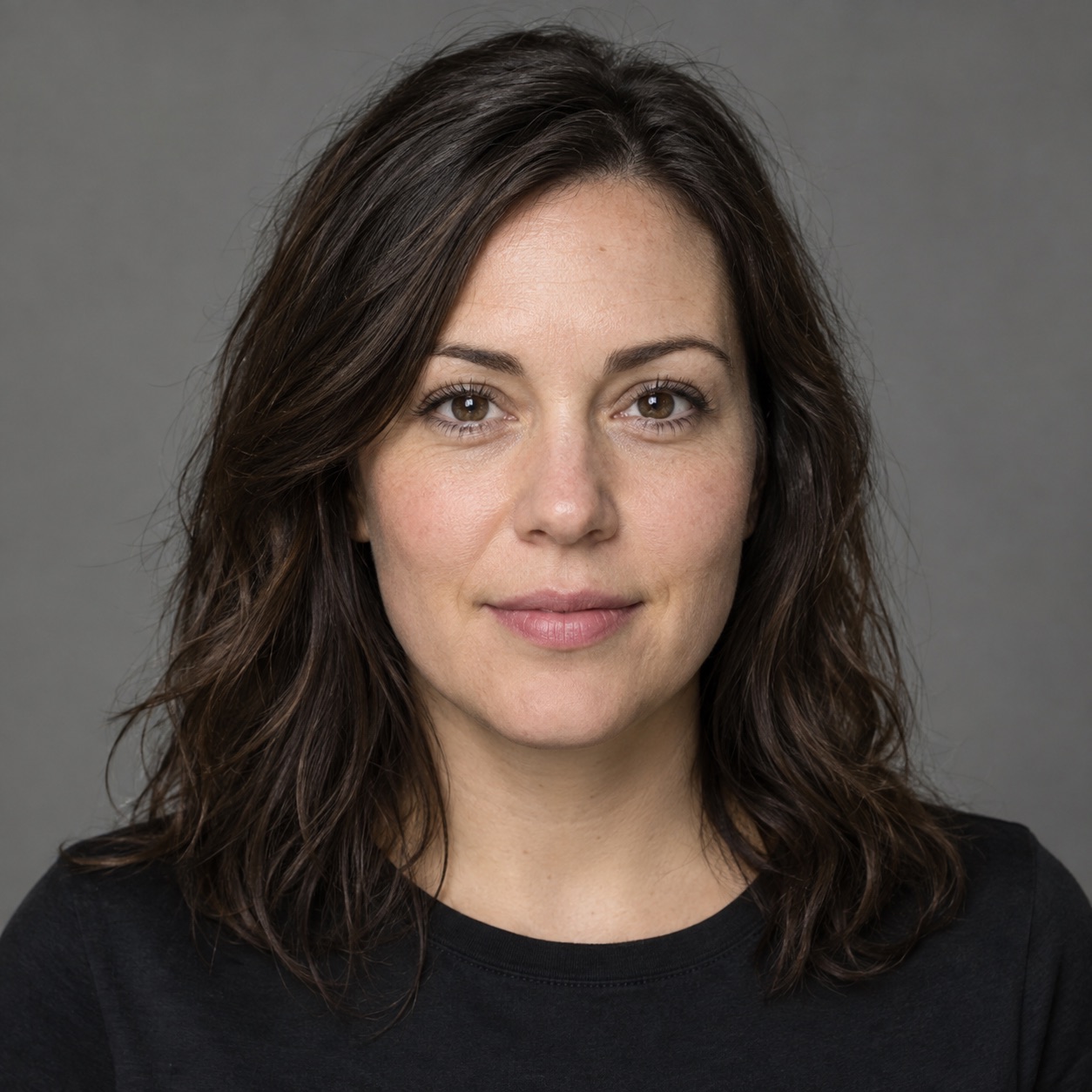
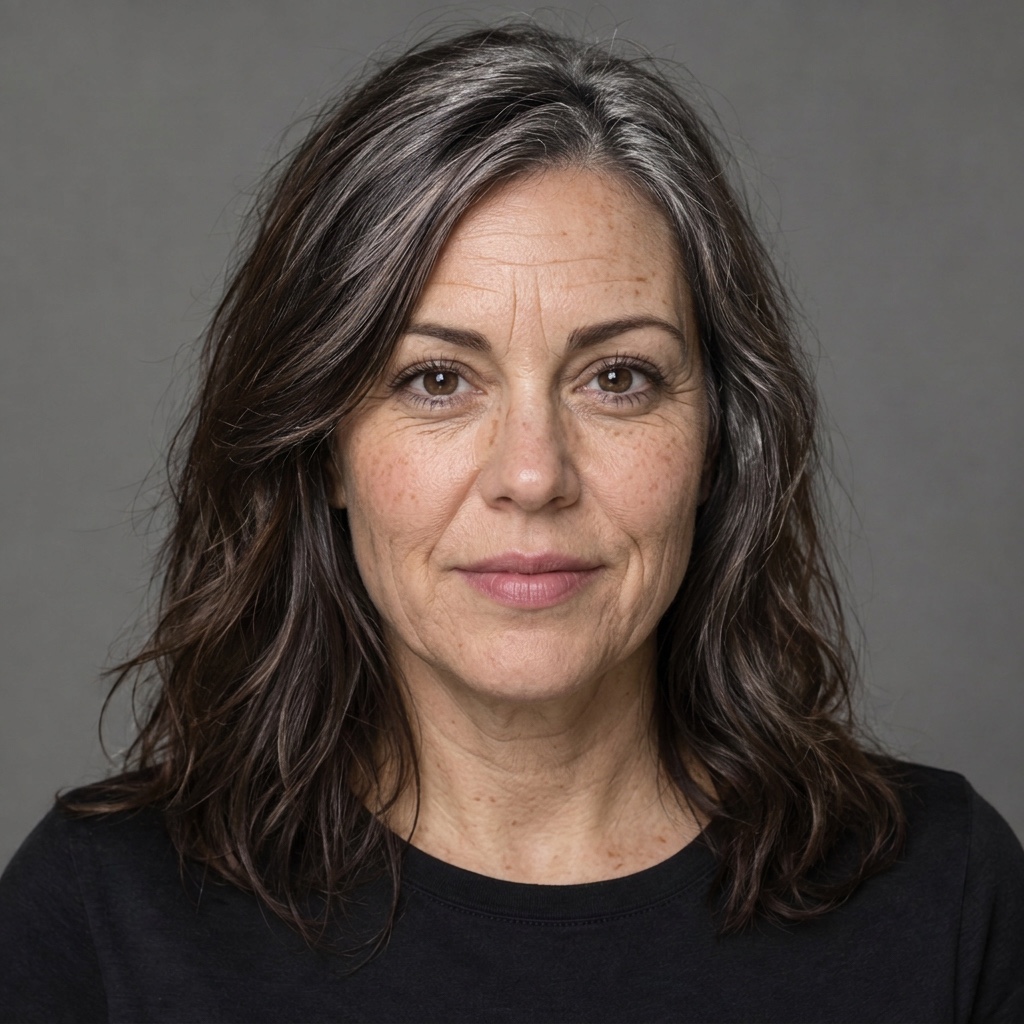
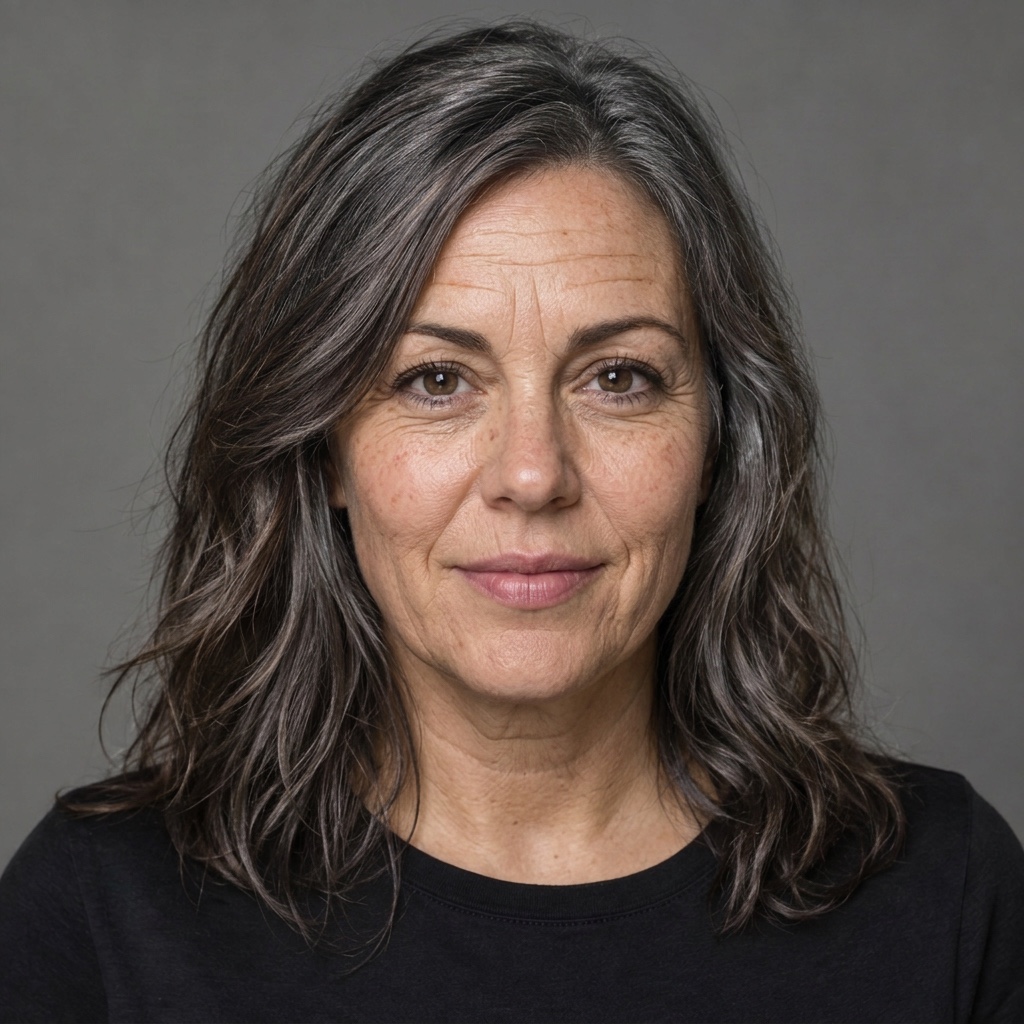
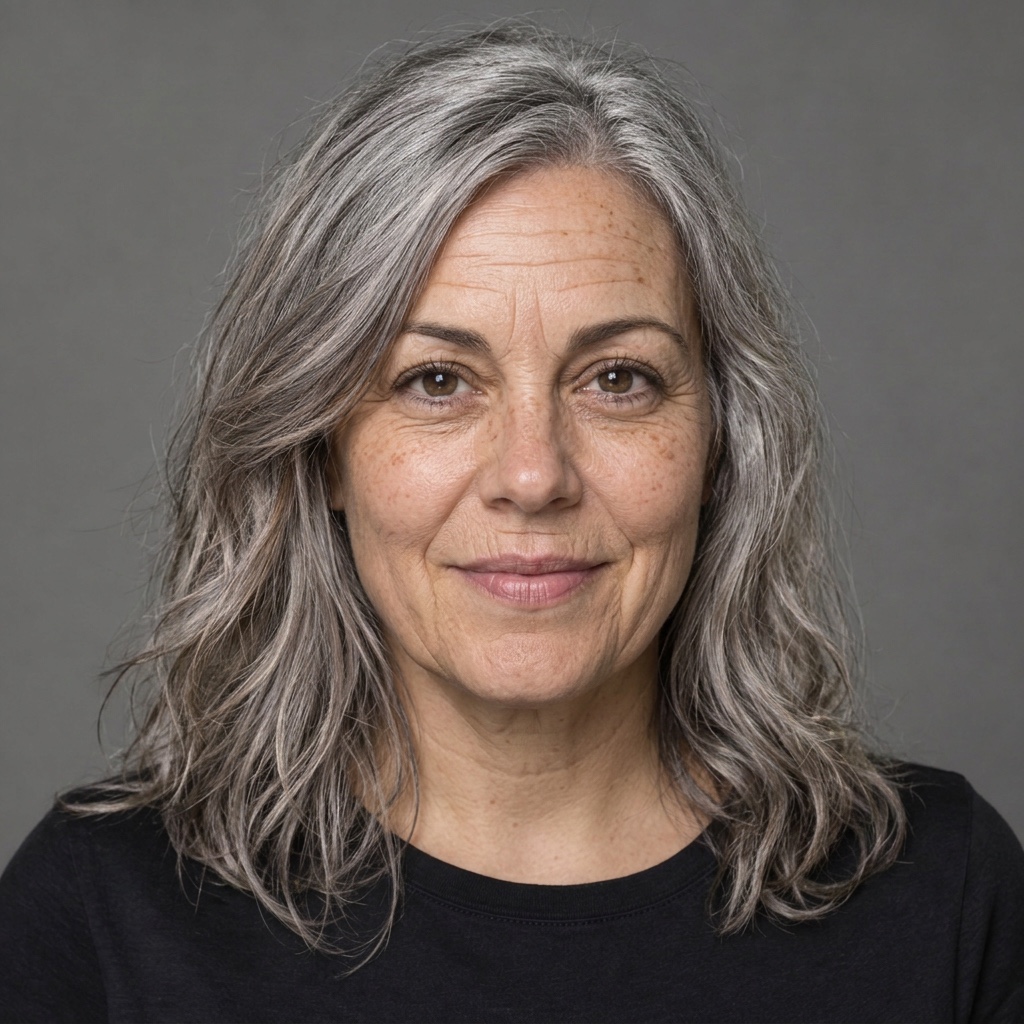
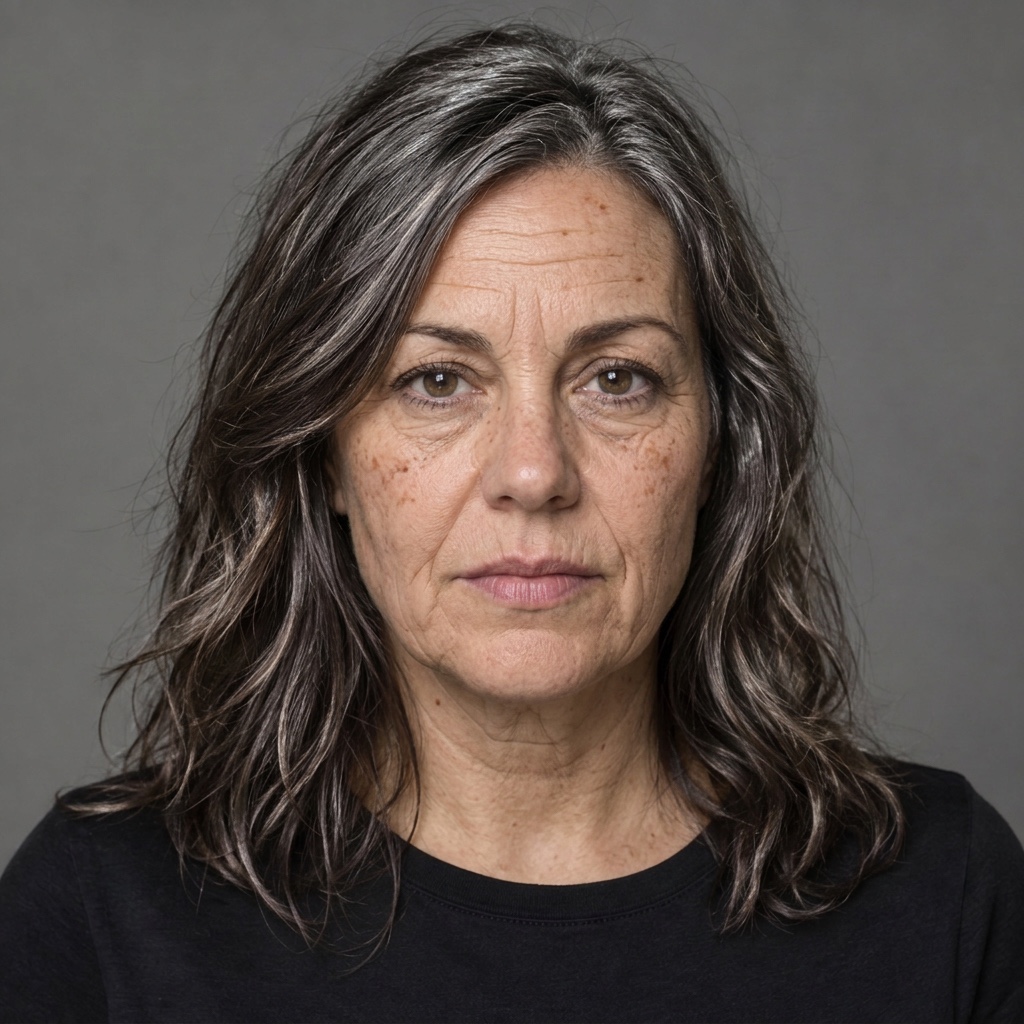
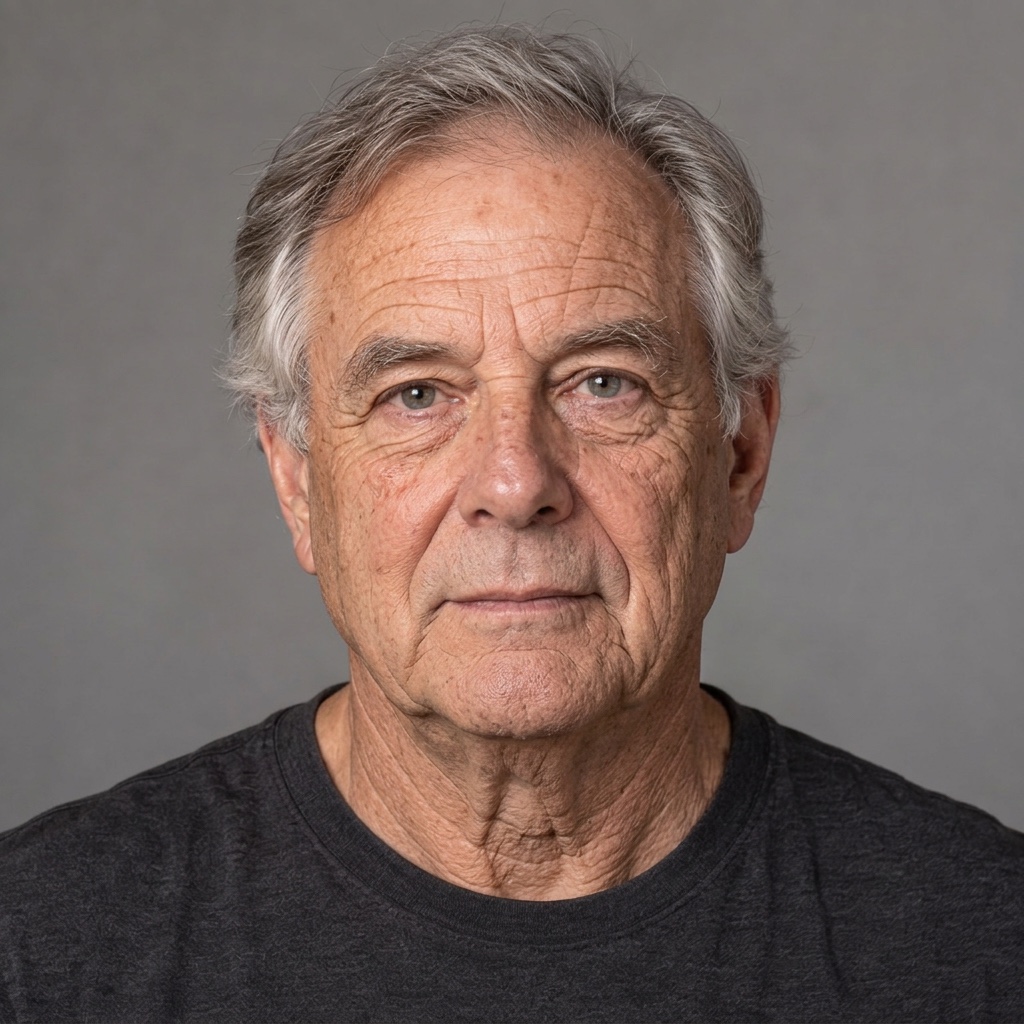
Generated on October 24, 2026 with Nano Banana 2 at 1K, square format. Each setting was requested once from each fictional adult source: eight outputs, with no replacements. The source labels do not establish anyone’s actual age.
 AI-generated
 AI-generated
 AI-generated
 AI-generated
Observed limitation: +10 and +20 look very similar. Gray hair is more visible at +30 and +40, but the settings do not form a measured timeline.

 AI-generated
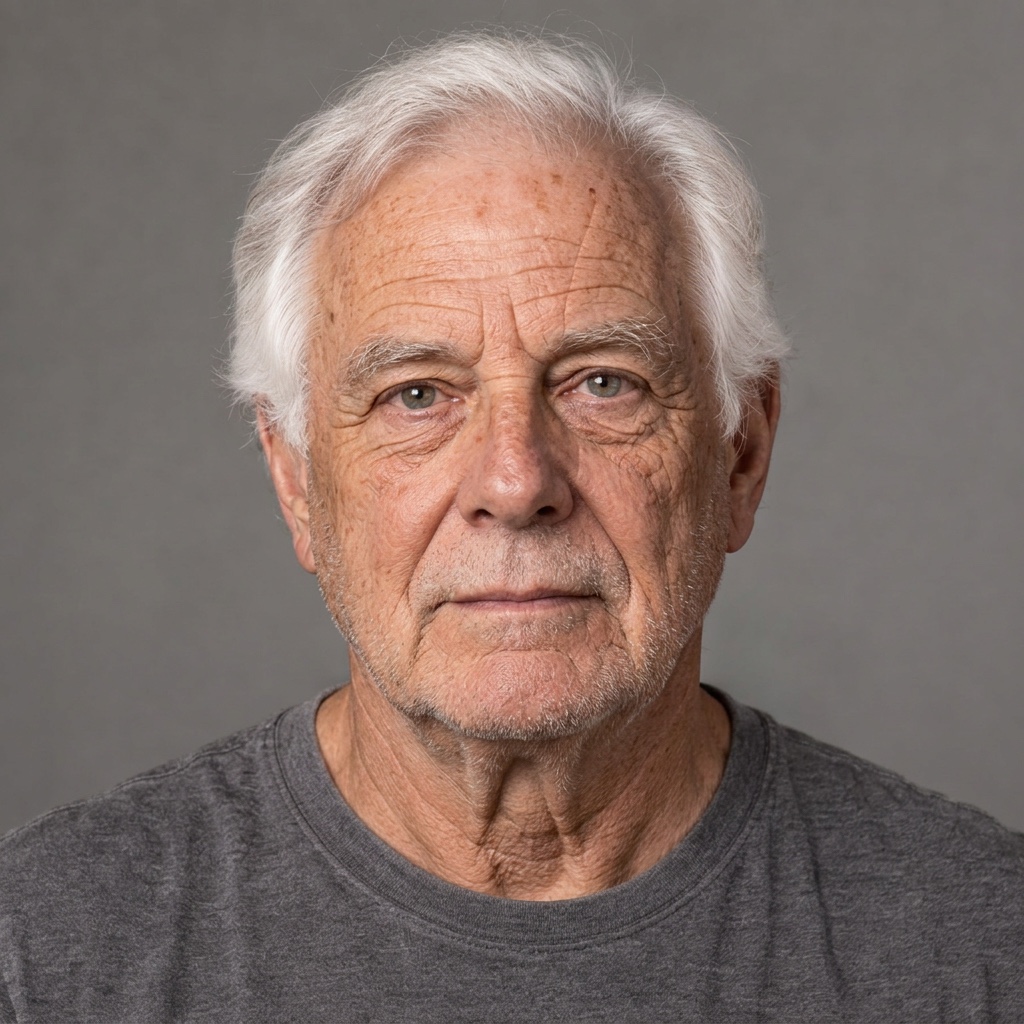 AI-generated
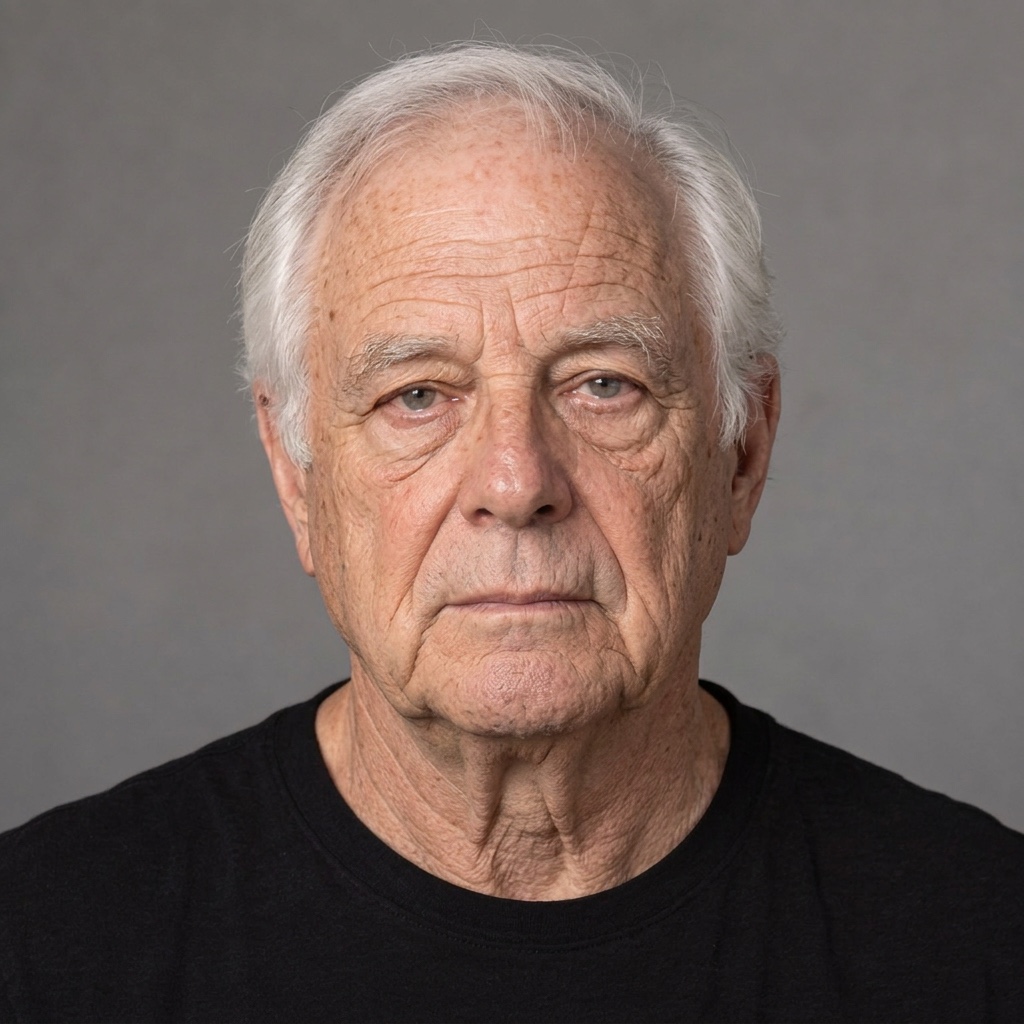 AI-generated
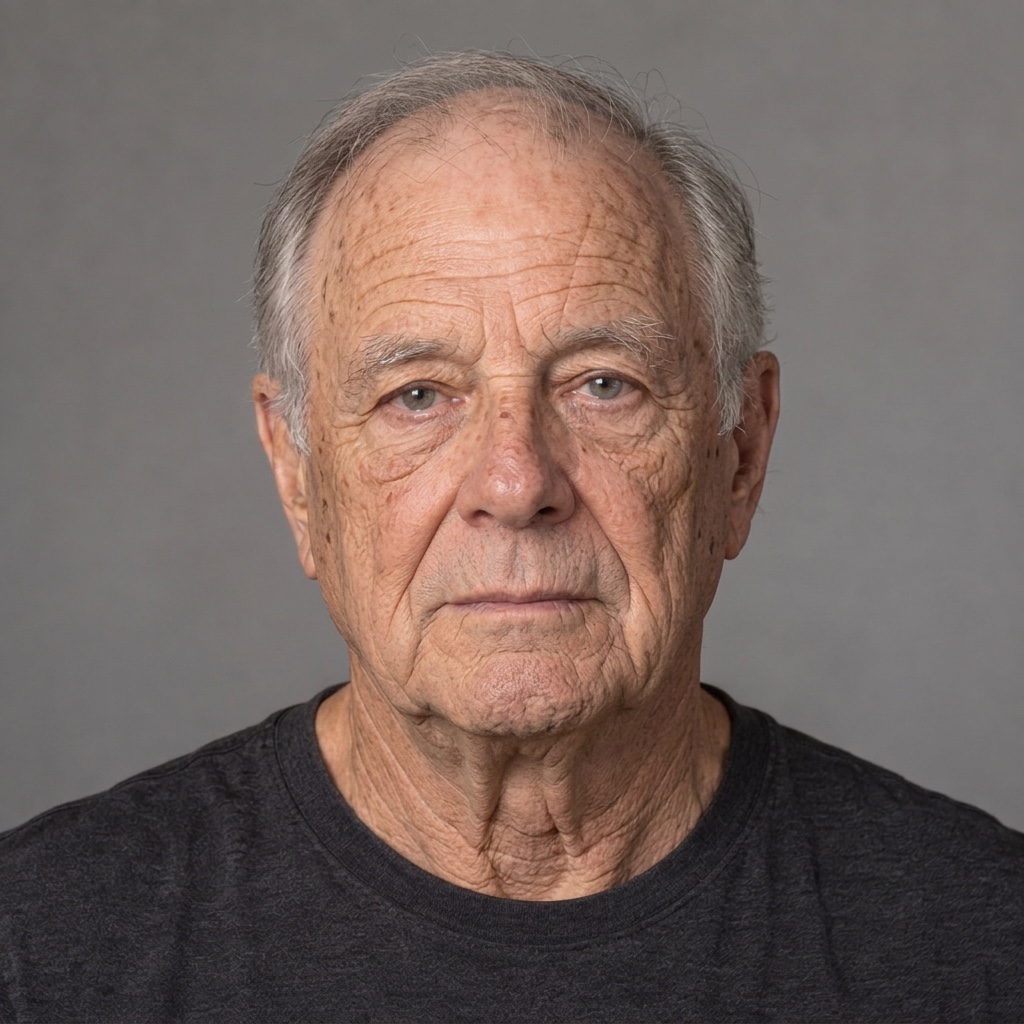 AI-generated
Observed limitation: the +20 output also brightens the shirt and adds stubble. The +30 and +40 portraits do not establish a precisely ordered age.
These are inspectable examples of creative edits. Two sources and eight outputs cannot establish demographic coverage, identity accuracy or what a person will actually look like later.
View sources, parameters, task records and observed limitations (JSON)Questions about AI photo aging
How do I use an old age filter online?
Start with one adult face photo, select +10, +20, +30 or +40 years and confirm processing consent. Generate, inspect the older-looking illustration and download the labelled result. You can share the downloaded file through your usual social app.
Is the AI age filter free to try?
A new account receives 30 starter credits, and one aging image costs 28 credits. Sign in to use these credits. Further generations require enough remaining credits; this is not unlimited free generation.
Can I choose an exact target age?
The controls add approximately 10, 20, 30 or 40 years to the appearance in the input photo. They do not detect your current age or set a target birthday. An already older adult is still asked to look older.
Can AI age progression predict what I will really look like?
No. It produces an artistic older-looking portrait from one photo. Realistic skin or hair does not establish predictive accuracy. Check recognizable features and invented details; do not use the image as an age, identity or health assessment.
How long are my portrait and result available?
Access to the original upload and unsaved result ends within 24 hours. Our storage cleanup starts at hour 23 and retries failures. An explicitly saved result remains until you delete it. The privacy policy separately describes the external image processor; these timings describe our storage.